May 28, 2026
Artificial intelligence — and the speed at which it might hypothetically replace every human worker alive — has become a post-third-drink topic right up there with gossip and politics. Yet most professional studios are not replacing artists with the robot: they are using AI art tools for game studios to accelerate concept exploration, reduce repetitive production work, and shorten iteration cycles during development. Less “press button, receive finished game” — more “help the team move faster without losing creative control.”
This article covers what game studios are actually using AI art tools for game studios for in 2026, which platforms survive contact with production, why style consistency remains the hardest unsolved problem, and what realistic hybrid workflows look like across indie, mobile, LiveOps, and casino game production.
What Game Studios Actually Use AI Art Tools For
The most persistent misconception about AI generated game art is that studios are prompting generators and shipping the results. In practice, most teams deploy AI much earlier — and much more selectively.
The dominant use case is speed of exploration during pre-production. Before a visual style is locked, art teams need to test lighting moods, environment themes, material treatments, character silhouettes, and UI directions — often under pressure, and often before full production headcount is in place. Traditional concept workflows handle this well. AI compresses it dramatically.
This is where tools like Midjourney, Stable Diffusion, Flux, Leonardo AI, and Scenario.gg proved their value. Instead of spending days producing rough visual variations, artists can generate large batches of exploratory material in hours, curate promising directions, and refine them manually. The AI isn’t replacing artistic judgment — it’s accelerating the search process before judgment is fully needed.
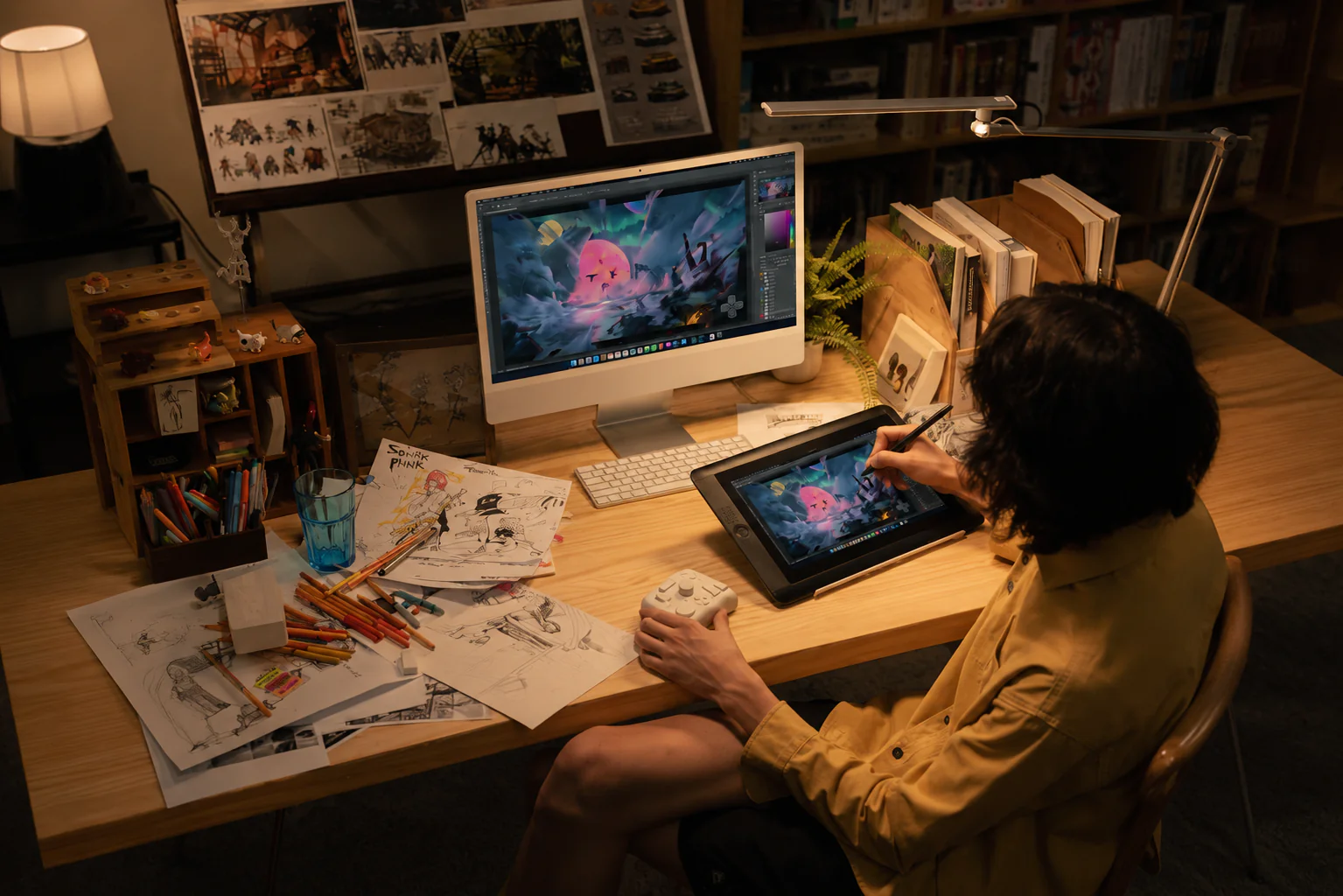
Beyond concept exploration, studios use AI game concept art workflows for:
- Moodboards, visual references, and pitch mockups
- Environment and prop ideation
- Rapid item and cosmetic variations
- Texture and material exploration
- LiveOps seasonal content and marketing creatives
- Style experimentation during prototypes
That last point matters most for indie teams and co-development environments. When scope keeps shifting and deadlines are fixed, AI-assisted iteration reduces the time teams spend stuck between vague visual directions.
At Inkration, the pattern we see consistently is this: AI delivers its biggest value before production fully ramps up. Once pipelines harden and assets need to function across gameplay systems, UI readability, animation logic, and platform constraints, human oversight becomes proportionally more important — not less.
Best AI Art Tools for Game Studios in 2026
The AI art game tools market expanded fast enough that most platforms now overlap heavily. In production environments, studios typically converge on a smaller set depending on workflow priorities.
| Tool | Best For | Main Weakness |
| Midjourney | Moodboards, visual ideation, cinematic concepts | Weak consistency between generations |
| Stable Diffusion | Custom pipelines, style training, flexibility | Technical setup and maintenance |
| Nano Banana | High-quality prompting and stylized visuals | Smaller ecosystem and tooling |
| Leonardo AI | Rapid asset iteration and concept exploration | Outputs can feel generic without strong direction |
| Scenario.gg | Style-consistent asset generation for teams | Requires curated datasets and setup |
| Photoshop Generative AI | Cleanup, extension, production support | Not a standalone art pipeline |
| Runway | Motion concepts and marketing visuals | Limited use for final gameplay assets |
| Magnific / Topaz | Upscaling and detail enhancement | Can introduce visual artifacts |
No single platform dominates every production stage. Most studios run multiple systems in combination — Midjourney for early exploration, Stable Diffusion for style consistency experiments, Photoshop AI for cleanup, and Scenario.gg for asset variation pipelines.
That’s also why searches like best AI for game art are becoming harder to answer with simple rankings. Different genres, budgets, team sizes, and production structures require completely different approaches.
Concept Art Is Where AI Pulls Its Weight Most
Out of everything studios are doing with video game concept art AI, early-stage exploration is the strongest use case — and the safest one.
Concept art has always been about going wide before going deep. Early exploration is messy by design — you’re testing directions, comparing visual identities, figuring out what the game even looks like before committing to expensive production. AI slots into that phase naturally because speed matters more than polish, and even imperfect outputs keep the conversation moving.
The key thing good studios understand: raw AI output is rarely the final deliverable. It’s reference material. A paintover base. A composition test. A direction-setter. That’s what separates a production-minded workflow from someone just posting prompts on Twitter — and it’s the difference between AI that saves time and AI that creates a pile of rework.
Why Style Consistency Is Still the Biggest Problem
This is where many overly optimistic discussions around AI generated game art start colliding This is where the optimism around AI generated game art runs into production reality.
One great image is easy. A consistent game is hard.
Games need systems — repeatable proportions, readable silhouettes, stable lighting logic, animation-compatible outputs, UI clarity, and coherent art direction held together across potentially thousands of assets. Most video game art AI generators still struggle badly with long-term consistency, and that gap doesn’t close just by writing better prompts.
That’s why the serious production workflows in 2026 are less about generating stuff and more about controlling what gets generated. Studios are building around curated prompt libraries, reference-first workflows, image-to-image pipelines, LoRAs, custom checkpoints, style anchors, and human paintover as a standard stage — not an optional one.
It’s also why Scenario.gg got traction in the AI tools for game art conversation. It’s less “make cool random image” and more “maintain visual identity across a production run.”
This gets even more critical in casino and slot work, where symbolic clarity directly affects how players interact with the game. A symbol that looks great at full res but reads ambiguously at gameplay scale is a usability problem. AI pixel art game pipelines and slot symbol workflows both need compositional discipline that raw generation can’t reliably deliver — which is exactly why experienced art teams stay essential even when AI is in the mix.
So can AI generate production-ready assets? Sometimes. But rarely without real human involvement. The closer an asset gets to shipping, the more production constraints bite: gameplay readability, camera behavior, material consistency, optimization, animation compatibility. Generating a nice image isn’t the same as building something that works inside a game — and studios that treat them as equivalent usually find out the hard way.
The best pipelines in 2026 are artist-led. AI handles exploration, variation, and support tasks. Artists, technical artists, and art directors own the result.
Can AI Generate Production-Ready Game Assets?
Sometimes. But usually not without significant human involvement.
This is where the optimism around AI generated game art runs into production reality: one great image is easy. A consistent game is hard.
Games need systems — repeatable proportions, readable silhouettes, stable lighting logic, animation-compatible outputs, UI clarity, and coherent art direction held together across potentially thousands of assets. Most video game art AI generators still struggle badly with long-term consistency, and that gap doesn’t close just by writing better prompts.
That’s why the serious production workflows in 2026 are less about generating stuff and more about controlling what gets generated. Studios are building around curated prompt libraries, reference-first workflows, image-to-image pipelines, LoRAs, custom checkpoints, style anchors, and human paintover as a standard stage — not an optional one.
It’s also why Scenario.gg got traction in the AI tools for game art conversation. It’s less “make cool random image” and more “maintain visual identity across a production run.”
This gets even more critical in casino and slot work, where symbolic clarity directly affects how players interact with the game. A symbol that looks great at full res but reads ambiguously at gameplay scale is a usability problem. AI pixel art game pipelines and slot symbol workflows both need compositional discipline that raw generation can’t reliably deliver — which is exactly why experienced art teams stay essential even when AI is in the mix.
So can AI generate production-ready assets? Sometimes. But rarely without real human involvement. The closer an asset gets to shipping, the more production constraints bite: gameplay readability, camera behavior, material consistency, optimization, animation compatibility. Generating a nice image isn’t the same as building something that works inside a game — and studios that treat them as equivalent usually find out the hard way.
The best pipelines in 2026 are artist-led. AI handles exploration, variation, and support tasks. Artists, technical artists, and art directors own the result.
How Different Studios Use AI Art Differently
There’s no universal approach. How useful AI art tools for game studios actually are depends a lot on what kind of studio you’re running.
Indie teams use AI video game art generators mostly to stretch limited resources — faster prototyping, temp placeholders, pitch visuals before production budget is confirmed.
Mobile and LiveOps studios care about volume. Seasonal events, cosmetic variants, marketing assets, and promo content all need to ship fast and often. AI-assisted pipelines handle that pressure well.
Slot and casino production is one of the more interesting cases. Theme exploration, symbol ideation, bonus screen concepts, and promo visuals often need rapid iteration across multiple markets and seasonal cycles. AI speeds up early exploration significantly here — as long as it’s paired with artists who understand readability and the specific compositional requirements of the format.
AAA studios move slowest on AI adoption, and for good reason: legal exposure, IP ownership questions, internal dataset control, and pipeline integration are all real concerns. Many bigger teams are experimenting with internally trained models rather than public tools specifically to manage that risk.
AI is Becoming Part of Pipeline, Not Replacement for it
While modern best rated generative AI for game art platforms can produce impressive visuals in seconds, game production is still fundamentally about consistency, readability, gameplay requirements, optimization, animation compatibility, and art direction. A beautiful standalone image is not automatically a usable production asset.
At Inkration, we see AI less as a shortcut and more as another production tool: one that can help studios move faster when integrated carefully into real-world art pipelines. Whether it’s concept exploration, slot art production, LiveOps support, or scalable visual development, the value rarely comes from automation alone. It comes from combining AI acceleration with experienced artistic and production oversight.
If you’re trying to figure out where AI actually fits in your pipeline, or you need a production partner who already works this way, let’s talk. The tools matter less than knowing how to use them without losing what makes your game look like itself.